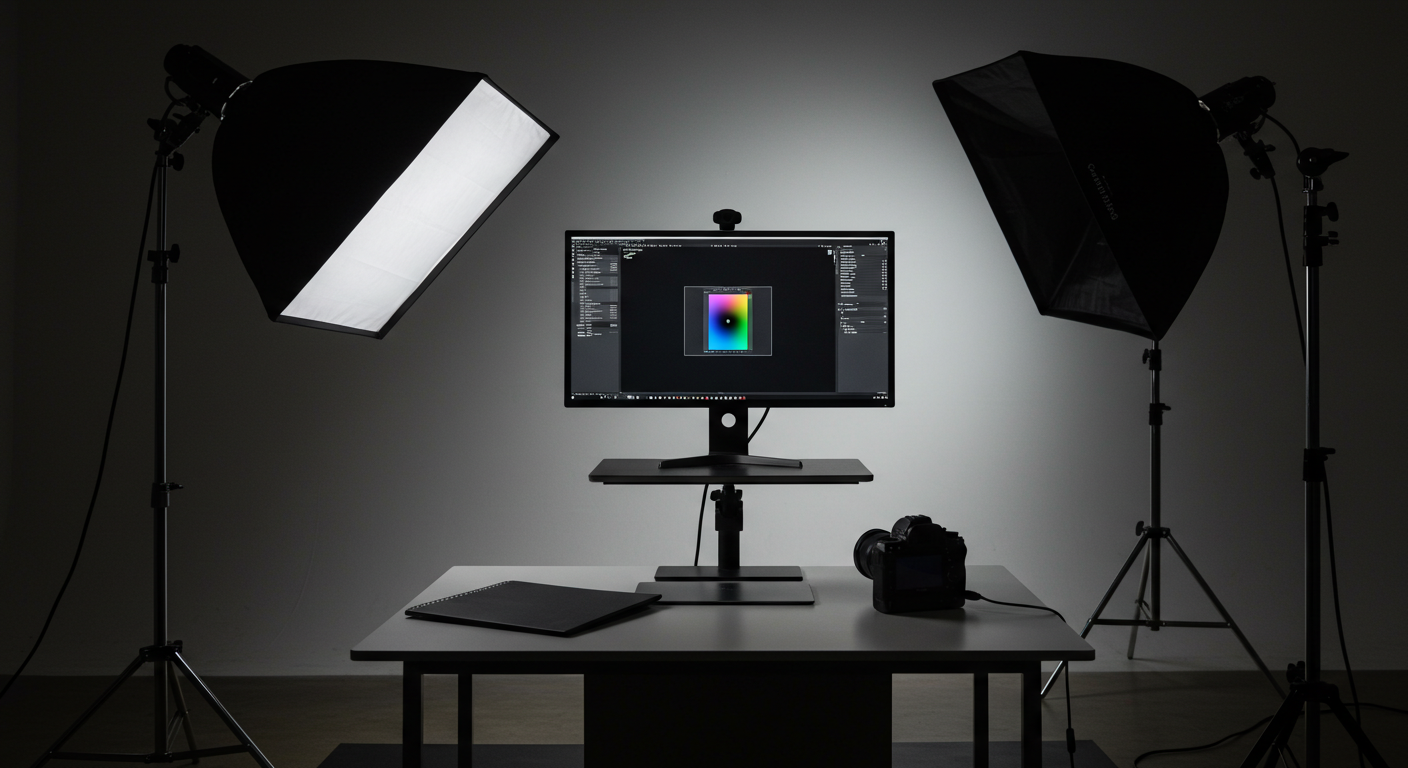
In high-volume commercial, fashion, and portrait photography, time is the ultimate currency. For years, professional studio workflows have been bottlenecked by the technical friction of post-processing: waiting for heavy raw files to render, round-tripping to third-party noise reduction apps, and spending hours squinting at screens to cull thousands of near-identical frames. With the release of Capture One 16.8, followed by the highly collaborative 16.8.2 service update, the industry leader in tethered shooting has delivered a paradigm shift. By integrating background-processed AI "Enhanced Denoise," intelligent "Assisted Review" culling, and real-time multi-user collaboration, this release transforms how studios operate from the moment the shutter clicks to the final client delivery.
The AI "Enhanced Denoise" Revolution: Power Without the Bottleneck
Noise reduction has historically been a trade-off between image quality and system performance. While competitors have introduced powerful AI-driven denoise tools, they often disrupt the creative flow. For instance, Adobe Lightroom’s Denoise AI requires a manual trigger and exports a separate, storage-heavy DNG file, while plugins like Topaz DeNoise force editors into a time-consuming external round-trip. Capture One 16.8 completely redefines this experience by running its brand-new Enhanced Denoise entirely in the background.
When you apply Enhanced Denoise, Capture One generates a lightweight, denoised sidecar file. This file is computed only once per image and automatically reused across all subsequent variants and virtual copies. This means photographers can continue culling, color grading, and editing other images without their system grinding to a halt.
Fine-Tuning Textures with the Impact Slider
To prevent the dreaded "plastic skin" look often associated with aggressive AI noise reduction, Capture One has introduced an intuitive Impact slider, which defaults to 50. This allows editors to dial in the exact balance of noise reduction. By backing off the slider, you can preserve natural skin textures, fabric weaves, and fine details while letting a controlled, organic-looking amount of luminance noise blend back into the image. For a deeper dive into modern sensor performance and how raw converters handle high-ISO data, check out the technical analyses on DPReview.
"The true brilliance of Capture One 16.8 isn't just the cleanliness of its high-ISO rendering; it's the fact that the technology steps out of the way, allowing the photographer's creative momentum to remain completely unbroken."
Assisted Review and "When Preview Is Ready" Tethering
Studio photography is as much about speed on set as it is about precision in post. Capture One 16.8 tackles both ends of this equation with two groundbreaking workflow features designed to keep clients, art directors, and photographers in perfect sync.
First is Assisted Review (Beta), an AI-assisted culling tool that acts as a digital assistant. It automatically scans your imported batches to detect and filter out closed eyes, out-of-focus subjects, and accidental black frames. Instead of wasting valuable studio hours manually rejecting blinked eyes, editors can jump straight to selecting the best emotional expressions.
Second, the update introduces "When Preview Is Ready" tethering. In high-pressure commercial environments, waiting for a fully processed, adjusted raw file to display on screen can stall a shoot. With this new mode, Capture One immediately displays a sharp, color-graded preview the moment a shot is captured. While the creative team reviews the composition on set, heavier background tasks—such as complex masking, healing, and AI adjustments—continue to process quietly in the background without lagging the live display.
Multi-User Sessions: Real-Time Studio Collaboration
Building on the 16.8 release, the 16.8.2 service update introduces Multi-User Sessions (Beta), a feature that promises to revolutionize high-volume e-commerce and commercial production environments. Historically, collaborating on a single shoot required complex shared storage setups or tedious manual file hand-offs.
With Multi-User Sessions, multiple digital techs, photographers, and editors can work inside the exact same Session simultaneously over a local network (via Wi-Fi or Ethernet over USB). One operator can focus on capturing tethered images, another can apply color grades, and a third can begin culling and rating—all in real-time, on the same project file, without needing expensive server hardware. For more industry news on how professional studios are adapting to these collaborative technologies, explore the latest updates on Fstoppers.
Actionable Tips to Optimize Your Capture One 16.8 Workflow
- Leverage the Background Queue: Don't wait for Enhanced Denoise to finish. Select your high-ISO images, apply the denoise preset, and immediately move on to color grading or culling other variants while the system processes in the background.
- Dial in the Perfect Grain Structure: Use the Impact slider in tandem with Capture One’s native Grain tool to recreate a classic, film-like aesthetic on clean, denoised files.
- Set Up Assisted Review Filters: Customize your Assisted Review thresholds to quickly isolate and batch-delete unusable out-of-focus test shots before your client joins the review session.
- Go Wireless with Canon: If you shoot on Canon, take advantage of the newly integrated 2nd Gen Wireless Tethering, which offers near-wired transfer speeds for a cable-free studio floor.
- Maximize Multi-User Sessions: Connect your studio edit stations via high-speed Ethernet over USB to ensure latency-free, real-time collaboration during high-volume e-commerce shoots.
Additionally, Capture One 16.8 expands its industry-standard hardware integration, adding native file support for the Canon EOS R6 V, Panasonic DC-L10, and Phase One IXM-RS250, alongside day-zero support for the Leica SL3-P and 24 Panasonic cameras. For comprehensive gear reviews and compatibility guides, visit the experts at B&H Explora.
Step Up Your Creative Game
Capture One 16.8 proves that artificial intelligence in photography works best when it serves as an invisible accelerator rather than a creative replacement. By handling the heavy lifting of noise reduction, culling, and file distribution, it frees you to focus on what truly matters: capturing stunning, impactful imagery.
Are you ready to showcase your refined, ultra-clean studio work to the world? Put your skills to the test, connect with a global community of passionate creators, and submit your best shots to the latest Framez competitions today. Join Framez to elevate your photographic journey, receive expert feedback, and win incredible industry recognition!


