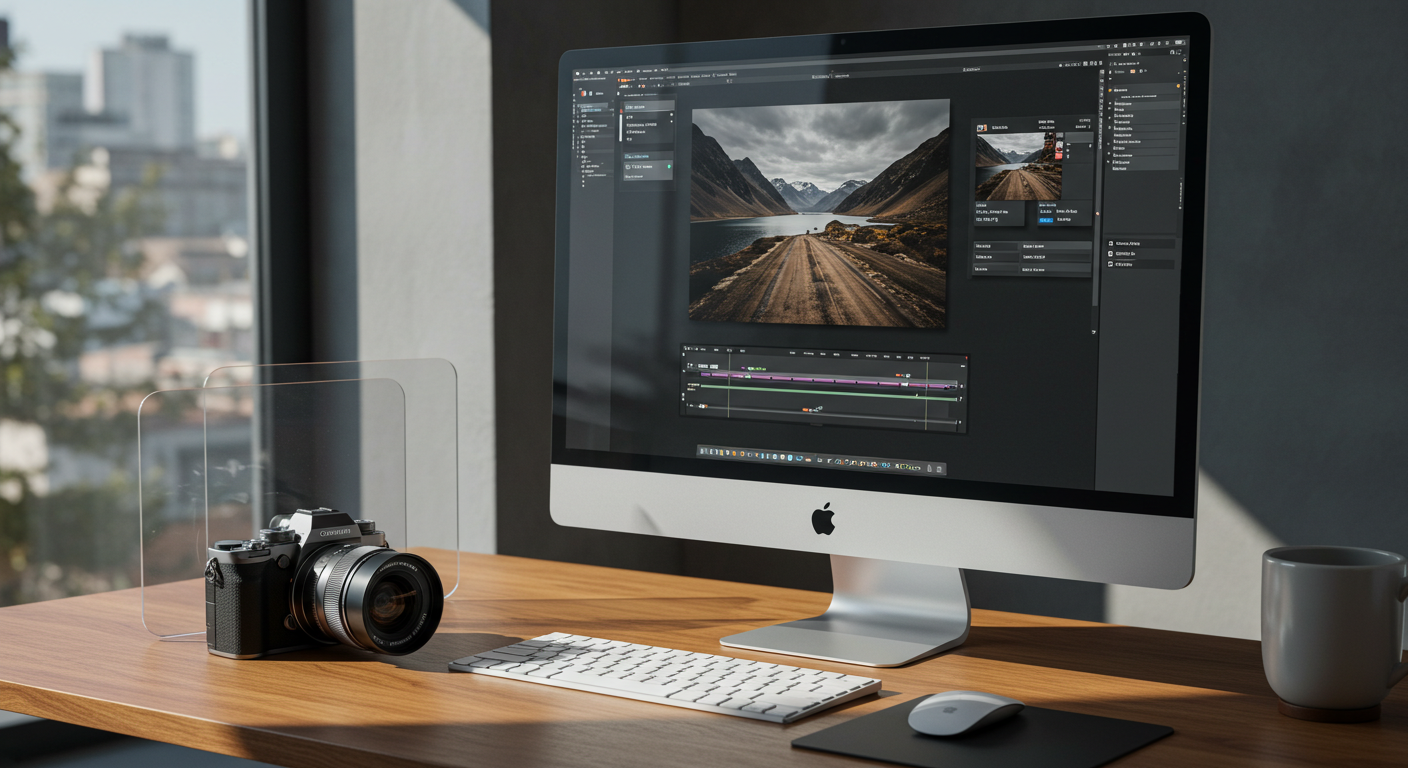
For years, Mac-based photographers enjoyed a golden era of choice. If you despised the recurring monthly fees of the Adobe Creative Cloud, you could easily pivot to brilliant, high-performance standalone applications. Chief among these champions of the buy-it-once philosophy was Pixelmator Pro—a lightning-fast, beautifully designed image editor that leveraged Apple's silicon to its absolute limit. However, the landscape of digital darkrooms has just experienced a seismic shift. Following Apple's highly publicized acquisition of the Lithuanian-based Pixelmator Team, the tech giant has officially launched Apple Creator Studio, ushering in the highly anticipated Pixelmator Pro 4.0. But there is a massive catch: the standalone license is dead, and the future of Mac photo editing is now firmly behind a paywall.
The Golden Cage: Inside Apple Creator Studio
Launched as a comprehensive creative suite, Apple Creator Studio bundles the company's heavy-hitting professional software—including Final Cut Pro, Logic Pro, Motion, Compressor, MainStage, and now Pixelmator Pro 4.0—into a single subscription priced at $12.99 per month or $129 per year. On paper, for multi-disciplinary creatives who edit video, produce music, and retouch photos, this bundle represents astonishing value. It undercuts Adobe's All Apps plan by a staggering margin while offering deep optimization for macOS.
Yet, for the pure photographer who only needs a robust RAW image processor, this bundle introduces a frustrating barrier. Pixelmator Pro 4.0 is locked exclusively behind this Creator Studio subscription. If you previously purchased Pixelmator Pro as a standalone app on the Mac App Store, you are officially stranded on version 3.7.1. There is no direct upgrade path to the new era other than joining the subscription cycle, establishing a distinct, permanent "version gap" between subscribers and legacy owners.
"The transition of Pixelmator Pro from a beloved indie standalone tool to a corporate subscription exclusive marks the end of an era. It forces photographers to ask whether they are buying a tool, or simply renting their own creative workflow."
Pixelmator Pro 4.0: A Technical Masterclass in Liquid Glass
While the monetization strategy has sparked intense debate across online communities, the software itself is nothing short of a technical marvel. Pixelmator Pro 4.0 represents the most significant evolution in the application's history, built entirely on Swift and SwiftUI. It leverages Apple-specific hardware technologies like CoreML and Metal to deliver blazing-fast, non-destructive RAW editing for over 750 digital cameras, rivaling the performance metrics often discussed on industry authority sites like DPReview.
The Visual and Functional Evolution
The most striking change is the completely redesigned interface optimized for Apple's new "Liquid Glass" design language. This aesthetic features a gorgeous, translucent material that dynamically reflects the underlying image canvas during panning and zooming. The workspace feels incredibly vibrant, tactile, and unified. Furthermore, version 4.0 brings the desktop-class engine to the iPad for the very first time, effectively replacing the discontinued legacy Pixelmator iOS app with a seamless, cross-platform powerhouse.
The update also integrates deeply with Apple Intelligence. Photographers can now harness local machine-learning models to execute complex tasks in seconds:
- Advanced Upscaling: Blown-out crops can be reconstructed with stunning clarity using ML-powered resolution enhancement.
- Smart Background Removal: Studio-quality subject isolation that recognizes fine details like hair and fabric textures instantly.
- Ecosystem Writing Tools: Generate metadata, captions, and localized image descriptions directly within the editor.
- Image Playground Integration: Generate and composite vector assets or creative textures directly onto your layers with AI assistance.
The Ecosystem Advantage: Seamless Cross-App Workflows
Apple has utilized its control over the operating system to build integrations that third-party developers can only dream of. Thanks to a massive system update, Pixelmator Pro 4.0 serves as the central imaging hub for the entire Apple environment. For instance, designers can send images directly from Keynote, Pages, or Numbers to Pixelmator Pro for quick retouching, saving the changes back to the document with all layers and non-destructive adjustment vectors perfectly intact.
For hybrid shooters who balance motion and stills, you can now send a video keyframe directly from Final Cut Pro to Pixelmator Pro. This allows for precise, layer-based cloning, spot healing, and color grading before sending the frame back to the video timeline. This level of workflow efficiency is unprecedented, making it a tempting proposition for those reading up on hybrid production techniques over at Fstoppers.
How to Navigate the New Subscription Landscape
If you are a photographer feeling alienated by this subscription shift, you are not alone. To help you decide how to adapt your post-processing pipeline, consider these practical steps:
- Audit Your Tool Usage: If you regularly use Final Cut Pro or are looking to expand into video and audio, the $12.99/month Creator Studio bundle is highly cost-effective compared to Adobe's ecosystem.
- Explore Independent Alternatives: If you refuse to subscribe to software on principle, investigate powerful standalone survivors like Affinity Photo 2 or Capture One's perpetual licenses, both of which are highly regarded in professional roundups on PetaPixel.
- Evaluate the Version Gap: Remember that Pixelmator Pro 3.7.1 still works beautifully today. You do not need to rush into a subscription unless you absolutely require iPad integration or the latest Apple Intelligence features.
- Maximize the Trial: Apple offers a trial period for the Creator Studio. Use this time to test the "Liquid Glass" performance on your specific camera's RAW files to see if the speed boost justifies the recurring cost.
The Verdict: Is Standalone Mac Photo Editing Dead?
The launch of Apple Creator Studio and the locking of Pixelmator Pro 4.0 behind a paywall is a definitive turning point. While it doesn't completely kill standalone Mac photo editing, it signals that the industry's heaviest hitters view recurring revenue as the only viable path forward. The integration, speed, and sheer power of Pixelmator Pro 4.0 are undeniable, but they come at the cost of ownership.
Whether you choose to embrace Apple's new creative bundle or stick to legacy standalone tools, your ultimate goal remains the same: creating breathtaking imagery. Once you've perfected your workflow and polished your latest shots, why not put your skills to the test? Showcase your best work, receive valuable feedback, and compete with a global community of passionate creators by joining the latest Framez competitions. Sign up at Framez today and take your photography journey to the next level.


