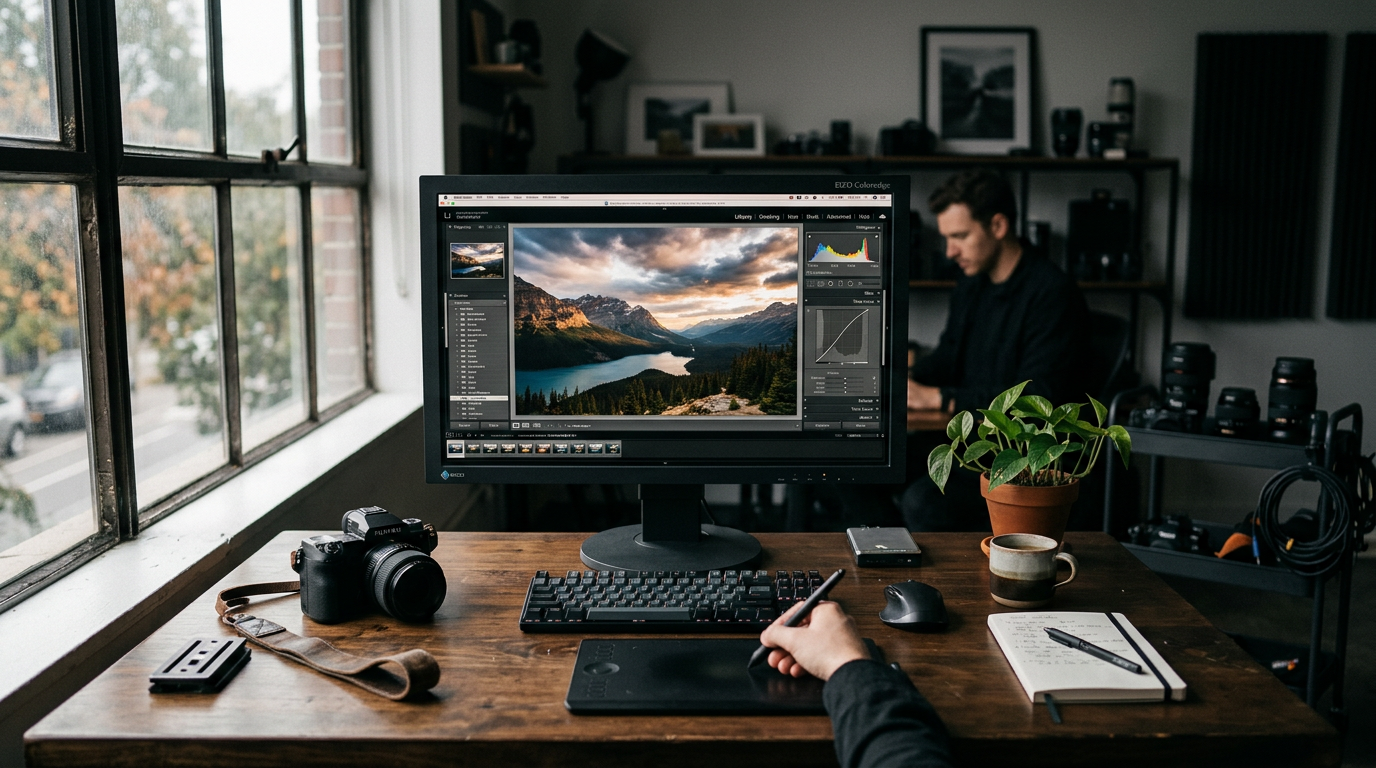
For over a decade, professional photographers have watched the creative software landscape with a mix of resignation and hope. While Adobe’s subscription model has remained the industry standard, many have yearned for a true, perpetual-license competitor capable of matching its raw processing power. That day has arrived. Following Canva’s high-profile acquisition of Serif, the mid-September 2026 release of Affinity 3.3 marks what is being hailed as the software's "biggest photography update yet." This release is not just a minor polish; it is a direct, feature-heavy assault on Adobe’s industry grip, designed specifically to win over demanding, high-volume photographers.
The Power of Canva’s Backing: What’s New in Affinity 3.3
When Canva acquired Serif in early 2024, the photography community held its collective breath. Would the beloved, subscription-free Affinity suite be diluted into a simplified, template-driven web app? Affinity 3.3 thoroughly silences those fears. Backed by Canva’s immense development resources, the team has delivered a powerhouse update that drastically improves performance, modernizes metadata handling, and introduces groundbreaking non-destructive workflows that rival—and in some ways exceed—Lightroom and Photoshop.
"Affinity 3.3 proves that a perpetual license model can still drive cutting-edge innovation. It’s the first time we’ve seen a genuine, speed-optimized alternative that doesn't force professionals to compromise on their core RAW workflow."
The headline achievement of this release is its overhauled RAW processing engine. By leveraging hardware acceleration across modern GPU architectures, Affinity 3.3 handles ultra-high-resolution files from modern medium-format and high-megapixel full-frame cameras with zero lag. Zooming, panning, and rendering complex adjustments now happen in real time, removing the frustrating bottlenecks that have historically plagued alternative RAW developers.
Revolutionary Non-Destructive RAW Editing and Smart Masking
The defining battleground between editing suites is how they handle complex, multi-layered adjustments without degrading the original file. Affinity 3.3 introduces a completely reimagined non-destructive workflow that allows photographers to jump back and forth between raw development settings and pixel-level retouching seamlessly.
Advanced Local Adjustment Layers
Unlike traditional workflows where entering a pixel-editing persona permanently bakes in your initial RAW development, Affinity 3.3 introduces "Live RAW Layers." This allows you to keep your raw file nested as a smart object that can be re-adjusted at any stage of your compositing workflow. Furthermore, a new suite of AI-assisted masking tools lets you select skies, subjects, or background elements with a single click, generating highly accurate, featherable vector masks that update dynamically as you tweak your exposure and color balance. For a deeper look at how these modern masking technologies compare to traditional desktop workflows, you can read more on PetaPixel.
How Affinity 3.3 Challenges Adobe’s Dominance
Adobe’s Creative Cloud has long relied on its seamless ecosystem to keep professionals locked in. However, Affinity 3.3 targets the vulnerabilities of that ecosystem—namely, subscription fatigue and system resource bloat. By offering a fast, modern, single-purchase software suite that runs natively on macOS, Windows, and iPadOS, Serif is making a compelling case for photographers to make the switch.
Moreover, the integration with Canva’s cloud infrastructure allows for seamless team collaboration without sacrificing local file control. Photographers can now export high-fidelity assets directly to Canva team folders, bridging the gap between professional, high-end asset creation and rapid social media or client delivery. This hybrid approach is analyzed extensively in recent industry roundups on platforms like DPReview, highlighting how the gap between independent desktop apps and cloud-based publishing is rapidly closing.
Transitioning Your Workflow: 5 Tips for Success
Switching your primary post-processing engine can be a daunting prospect. To make the transition from Adobe or other editors to Affinity 3.3 as smooth as possible, consider these actionable steps:
- Customize Your Workspace: Use the customizable interface presets to mimic the keyboard shortcuts and panel layouts of your previous editor to reduce muscle-memory friction.
- Utilize Live RAW Layers: Avoid flattening your images early; keep your RAW data active as a Live Layer to make non-destructive exposure tweaks late in your retouching process.
- Master the Focus Merging: Take advantage of the upgraded, algorithmically superior focus-stacking engine in 3.3, which handles macro and landscape stacks with significantly fewer alignment artifacts.
- Set Up Batch Jobs: Use the newly streamlined Batch Processing panel to apply complex LUTs, metadata, and resizing profiles to hundreds of images simultaneously, matching the speed of Lightroom catalog exports.
- Explore the iPad Version: Don't ignore the mobile app. The iPadOS version of Affinity Photo 3.3 features 1:1 parity with the desktop engine, allowing you to edit complex RAW files on the go with full Apple Pencil support.
For additional tutorials on mastering advanced color grading and learning how to transition your catalog systems, resources like Digital Photography School offer excellent step-by-step guides tailored to transitioning professionals.
Put Your New Editing Skills to the Test
As the creative software landscape evolves, your technical skills must evolve with it. There has never been a more exciting time to experiment with new post-processing techniques, push the dynamic range of your RAW files, and redefine your visual style. Once you have mastered the powerful non-destructive tools in Affinity 3.3, why not showcase your best work to the world?
Join our thriving global community on Framez! Submit your newly edited masterpieces to our ongoing Framez competitions, connect with fellow photography enthusiasts, receive constructive feedback from industry experts, and win exciting gear prizes. Head over to Framez today, sign up for free, and elevate your photography to the next level.


