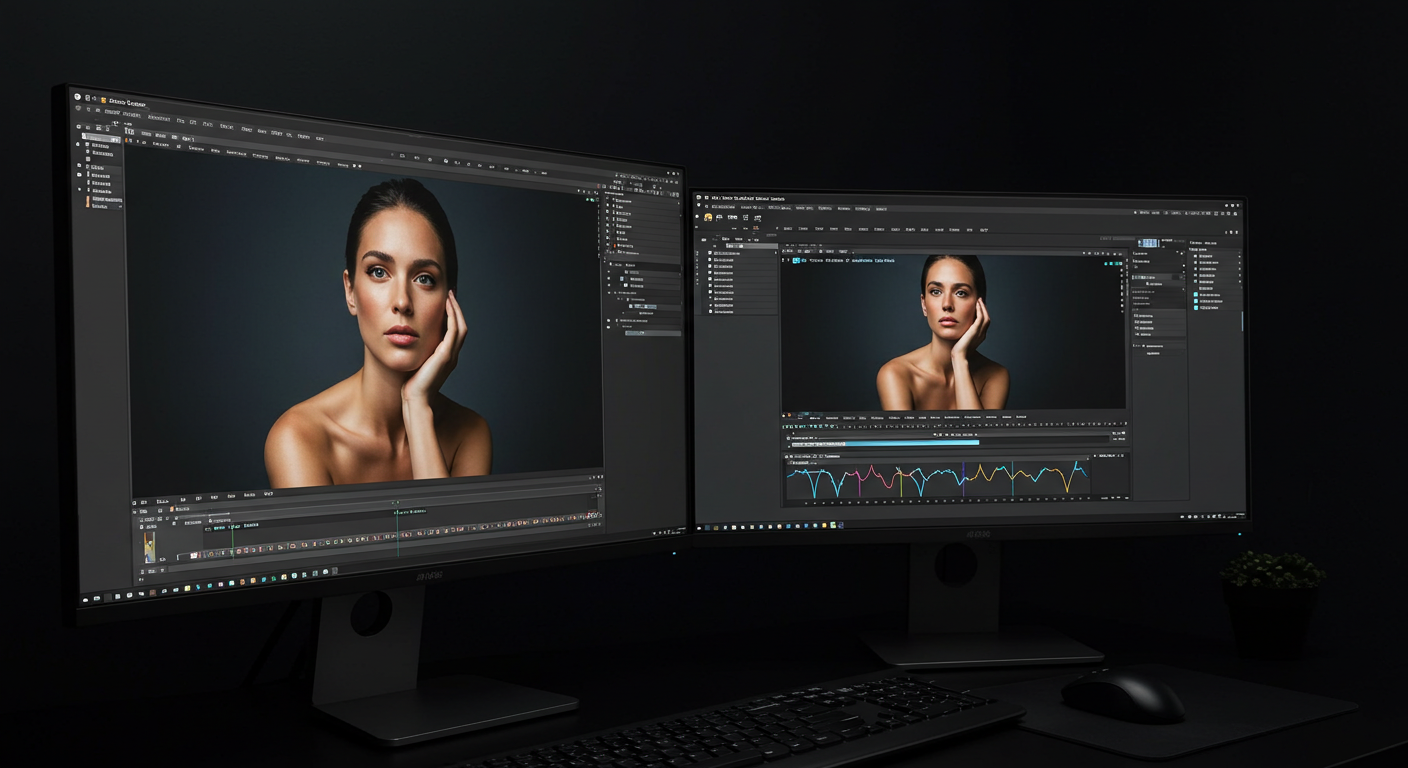
For over a decade, professional and enthusiast photographers alike have shared a collective dream: a clean, bloat-free Lightroom catalog that doesn't crawl to a halt during heavy editing sessions. Managing thousands of RAW files, virtual copies, and accidental exports often felt like a losing battle against digital clutter. That battle ends today. The June 2026 release of Adobe Lightroom Classic (v15.4) and Lightroom Desktop (v9.4) has officially landed, introducing groundbreaking features that fundamentally change how we manage massive image catalogs and execute high-performance post-processing.
The Native Duplicate Finder: Banishing Catalog Bloat for Good
Previously, keeping a Lightroom catalog organized required a mix of rigid discipline and clunky third-party plugins. These external tools were often slow, prone to crashes, and limited to scanning basic metadata or filenames. If you exported an image, renamed it, or saved a resized JPEG version, older duplicate finders would often miss it entirely.
The June 2026 update solves this with the brand-new, built-in Native Duplicate Finder in Lightroom Classic. Instead of relying on superficial filenames, this native tool analyzes actual pixel data fingerprints. This means it can instantly identify, stack, and purge duplicate images even if they have been renamed, converted to different formats, or resized for web delivery. By scanning the visual DNA of your images, Lightroom now groups identical compositions together, allowing you to reclaim gigabytes of precious SSD storage with just a few clicks.
How Pixel-Level Analysis Works in Practice
When you trigger the Native Duplicate Finder, Lightroom creates a background index of your catalog's visual assets. It flags matches based on structural similarity, letting you review duplicates side-by-side. You can choose to automatically stack them with the original RAW file on top, or safely delete redundant copies while preserving your master editing adjustments.
"A clean catalog is more than just saved hard drive space; it is mental clarity. When you aren't scrolling through endless redundant files, your creative momentum remains unbroken."
Apple Silicon AI Denoise Breakthrough: Speed Redefined
While catalog organization is a massive victory, performance is where this update truly shines, especially for creators in the Apple ecosystem. Adobe has completely rewritten its AI Denoise engine to tap natively into Apple’s Neural Engine, delivering a breathtaking speed upgrade for M-series Mac users.
In real-world testing, AI Denoise processing speeds have increased by 2.4x to 3.6x on Apple Silicon. For context, processing a high-resolution 45.7-megapixel RAW file from a camera like the Nikon Z8—which previously required a lengthy pause—can now be completely denoised in under 10 seconds. This makes high-ISO cleanup a seamless, real-time step in your editing workflow rather than a rendering bottleneck.
Windows and Intel users haven't been left behind, either. Adobe has rewritten the backend architecture for the adjustment brush. This update dramatically reduces brush lag, making complex masking and local adjustment strokes feel fluid, organic, and incredibly responsive.
Assisted Culling 1.0 and Smarter AI Masking
After a highly successful early-access period, Assisted Culling 1.0 has officially graduated to general availability. Designed specifically for portrait, wedding, and event photographers, this feature introduces a dedicated "Face View" panel that automates the tedious first pass of image selection.
Assisted Culling isolates individual faces across groups of images and assigns objective "Eye Focus" and "Eyes Open" scores. Instead of manually zooming in on every single face in a family portrait or wedding party to check for blinks, you can quickly filter out shots with closed eyes or missed focus, shaving hours off your post-shoot workflow.
Furthermore, Lightroom's local adjustments receive a boost with Select Subject (Version 5). This major architectural upgrade brings single-click precision to the most challenging edges, such as flyaway hair, bicycle spokes, and complex, overlapping objects. The edge-detection engine is smarter than ever, reducing the need for manual cleanup with the eraser brush.
How to Leverage the June 2026 Update for Your Workflow
To help you get the most out of these powerful new tools, we have compiled a list of actionable steps you can take today to optimize your catalog and speed up your processing:
- Run the Duplicate Finder Immediately: Go to the Library menu, select the new Duplicate Finder, and let it index your catalog to clear out years of accidental exports and redundant virtual copies.
- Optimize AI Denoise Preferences: If you are on an M-series Mac, ensure your hardware acceleration is set to "Auto" to let the rewritten engine fully utilize the Apple Neural Engine.
- Use Face View for Group Shots: When importing your next portrait session, open the Assisted Culling panel to instantly identify and flag images with missed focus or closed eyes.
- Test the Upgraded Select Subject: Try masking a subject with complex hair or fine background details to experience the precision of the Version 5 edge-detection engine.
- Keep Your Catalog Backed Up: Before running major database operations like bulk duplicate deletion, always perform a fresh catalog backup.
For more detailed technical breakdowns of post-processing software and camera gear, check out the latest industry analyses on DPReview and PetaPixel. If you are looking to refine your post-processing techniques, the tutorials on Digital Photography School offer fantastic step-by-step guides.
Put Your Clean Catalog to the Test
Now that your catalog is streamlined and your editing workflow is faster than ever, it is time to share your best work with the world. Put your newly refined, noise-free images to the test by participating in the exciting Framez competitions. Showing off your technical precision and creative vision is the best way to grow as a photographer. Head over to Framez today, join our global community of passionate creators, and submit your best shots to our upcoming themed challenges!


